How can I detect an image that is not found?
There are several ways to detect a broken image...
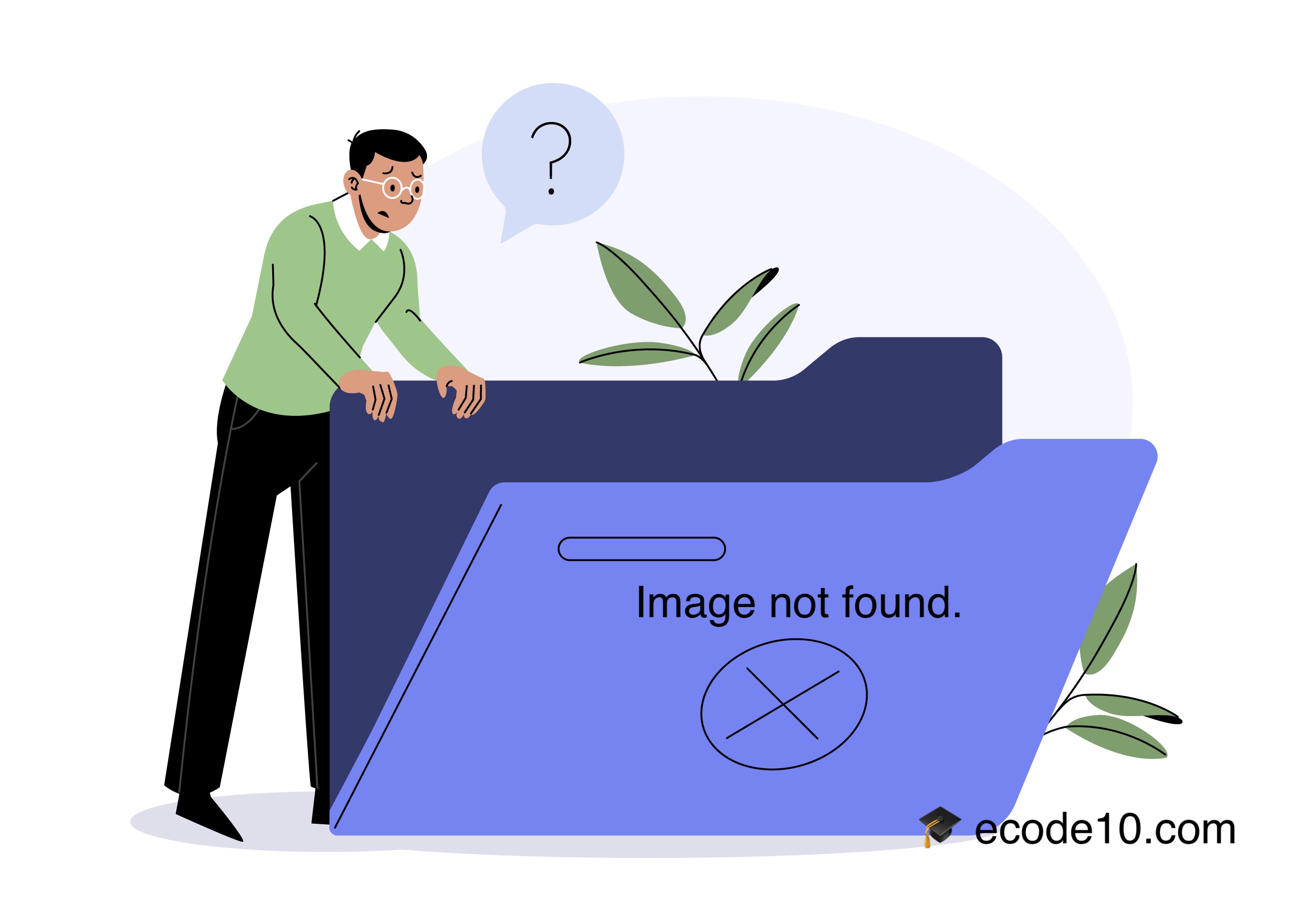
There are several ways to detect a broken image in JavaScript, ranging from simple inline attributes to modern event listeners.
Using the onerror Event (The Easiest Way)
- The onerror event fires as soon as the browser fails to load the image. You can use this to hide the image or swap it with a placeholder.
Inline HTML:
<img src="broken-link.jpg" onerror="this.src='placeholder.png';">
Code 1 - HTML
Using JavaScript Event Listener:
This is the preferred method for clean code.
const img = document.querySelector('img');
img.addEventListener('error', function() {
console.log('The image failed to load.');
this.src = 'fallback-image.jpg'; // Replace with a default image
// this.style.display = 'none'; // Or just hide it
});
Code 2 - JavaScript
Checking if an Image is Already Broken
If the page has already loaded and you want to check the status of an image (for example, after a script finishes running), you can check the complete and naturalWidth properties.
function isImageValid(imgElement) {
// If the browser hasn't finished checking the image, it's not "complete"
if (!imgElement.complete) {
return true; // Still loading...
}
// If the image loaded but has a width of 0, it is broken
if (imgElement.naturalWidth === 0) {
return false;
}
return true;
}
const myImg = document.getElementById('myImage');
if (!isImageValid(myImg)) {
console.log("Image is broken!");
}
Code 3 - JavaScript - Image is Alrady Broken
Handling Multiple Images (Bulk Detection)
If you want to detect every broken image on a page and replace them all at once:
document.querySelectorAll('img').forEach(img => {
img.addEventListener('error', function() {
this.src = 'https://placeholder.com';
this.alt = 'Image failed to load';
});
});
Code 4 - Bulk Detection
Using "Event Capture" (For Dynamic Content)
If you are adding images to the page dynamically (via AJAX or React/Vue), a standard event listener might not catch them. You can use Event Capturing on the window to catch all image errors globally.
window.addEventListener('error', function(event) {
if (event.target.tagName.toLowerCase() === 'img') {
console.log('Broken image detected:', event.target.src);
event.target.src = 'fallback.png';
}
}, true); // The "true" here is critical to enable capturing
Code 5 - For dynamic content
Which one should you use?
- Simple fix: Use the onerror inline attribute.
- Best Practice: Use the JavaScript Event Listener (error).
- For SPAs (React/Vue/Dynamic): Use the Global Capture method.
I hope you liked it and have doubts, please let me know on my website mauricios.me.
Related articles
Video: checking duplicates using JavaScript
Checking JavaScript functions

Checking duplicates using JavaScript
Coding together
How to disable button after click using JavaScript and HTML5
JavaScript and HTML5

Mauricio Junior